TEL:+86 132 6656 7067





Multi-vendor networks often connect Cisco switches, Juniper routers, and other equipment through standardized optical interfaces. Although Cisco-compatible and Juniper-compatible optical modules may share the same SFP, SFP+, SFP28, QSFP28, or QSFP-DD form factor, their host compatibility is not necessarily the same.
The distinction is important when selecting replacement optics, consolidating inventory, or building links between different equipment vendors. A module must be recognized by its local host device, while the optical characteristics at both ends must support the same link.
1. Are Cisco-Compatible and Juniper-Compatible Modules Interchangeable?
Not automatically. A Cisco-compatible optical module is configured for use in supported Cisco equipment, while a Juniper-compatible module is configured for supported Juniper platforms. The two versions may use the same optical components and comply with the same optical interface standards, but their host identification and platform validation can differ.
For example, two 10G SFP+ 1310nm LR modules may share the same nominal data rate, wavelength, fiber type, connector, and transmission distance. However, the module programmed for Cisco equipment may not be recognized in a Juniper switch, or vice versa.
2. Why Do Vendor-Compatible Modules Differ?
Host identification and EEPROM information
Pluggable optical modules contain identification and diagnostic information stored in memory. The host device reads this information to identify the module and obtain supported characteristics. Depending on the platform, vendor identification, part information, and other module data can affect recognition and compatibility checks.
A third-party supplier may offer the same optical design with different host-specific configurations. This is why a Cisco-coded version and a Juniper-coded version of an otherwise similar module can behave differently when installed in network equipment.
Platform and software support
Compatibility is not determined by the brand alone. Different switch and router families may have different supported transceiver lists, hardware revisions, software requirements, and port restrictions.
Cisco provides an optics-to-device compatibility matrix, while Juniper provides a Hardware Compatibility Tool for checking supported transceivers on individual platforms. A module that works on one device should not automatically be assumed to work on every device from the same manufacturer.
Optical and electrical specifications
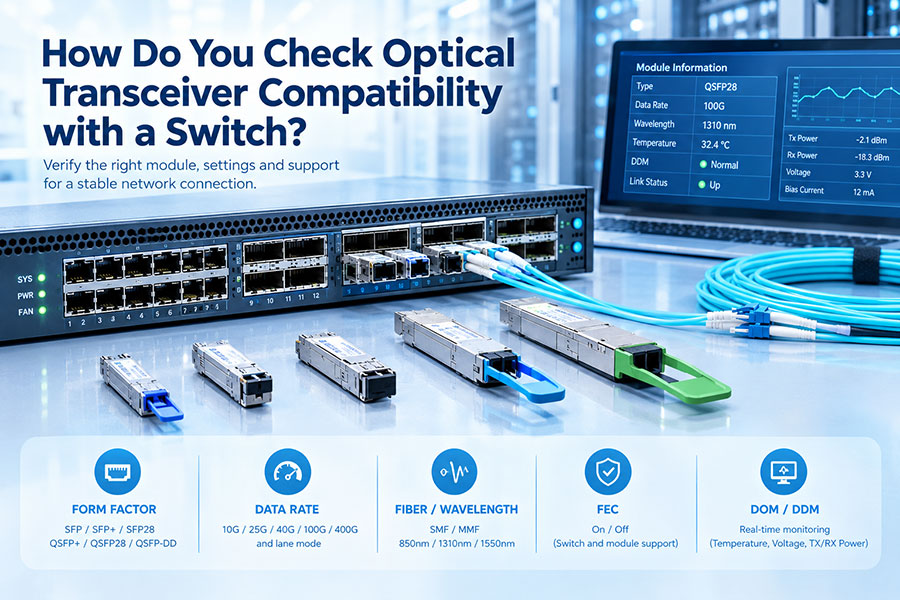
Even when two modules are recognized by their respective hosts, their optical interfaces must be suitable for the same connection. Data rate, wavelength, fiber type, connector, reach, lane configuration, and transmission protocol all affect link interoperability.
3. Cisco-Compatible vs. Juniper-Compatible Modules
| Evaluation Item | Cisco-Compatible Module | Juniper-Compatible Module |
|---|---|---|
| Target host | Supported Cisco switches, routers, or other platforms | Supported Juniper switches, routers, or other platforms |
| Module identification | Configured for the intended Cisco host environment | Configured for the intended Juniper host environment |
| Form factor | SFP, SFP+, SFP28, QSFP28, QSFP-DD, and others | SFP, SFP+, SFP28, QSFP28, QSFP-DD, and others |
| Optical specifications | Depend on the specific module model | Depend on the specific module model |
| Host recognition | Depends on Cisco device and software support | Depends on Juniper device and software support |
| Third-party support | Subject to Cisco's support and entitlement policies | Subject to Juniper's third-party optics support policies |
| Cross-vendor use | Requires appropriate host configuration and validation | Requires appropriate host configuration and validation |
4. Can Cisco and Juniper Modules Work Together on the Same Fiber Link?
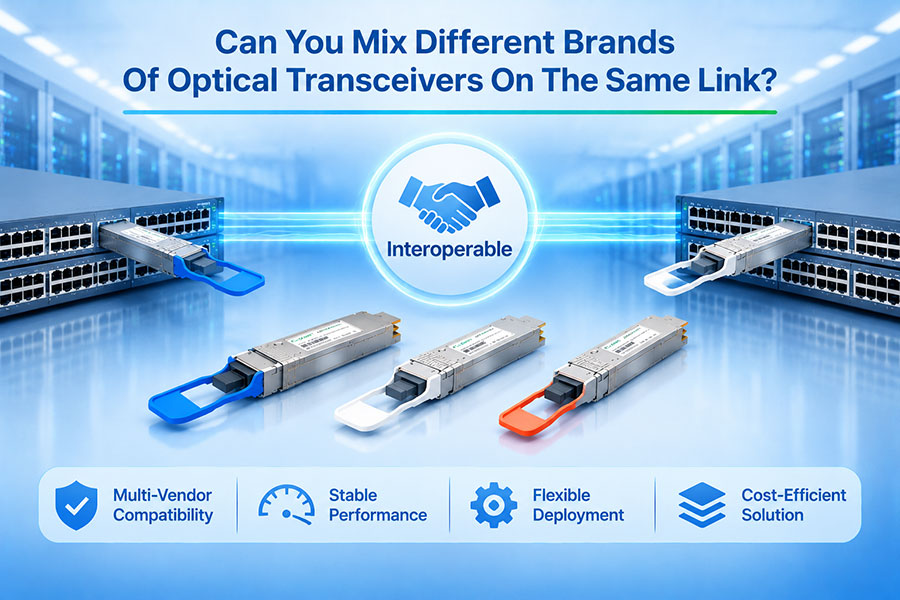
Yes. Cisco-compatible and Juniper-compatible modules can operate at opposite ends of the same optical link when their optical interfaces are compatible and each module is accepted by its local host device.
Example: Cisco to Juniper
Switch A: Cisco switch with a Cisco-compatible 10GBASE-LR SFP+.
Switch B: Juniper switch with a Juniper-compatible 10GBASE-LR SFP+.
Fiber: Compatible single-mode fiber with the appropriate duplex LC connection.
Expected result
The link can operate when both devices support their respective modules and the two optical interfaces have matching requirements.
The modules do not need to carry the same host-vendor coding simply because they communicate across the same fiber link.
For this type of connection, verify the optical specifications at both ends rather than relying only on the module's compatibility label. A Cisco-compatible module at one end and a Juniper-compatible module at the other can be a valid multi-vendor configuration.
5. Which Specifications Must Match?
The following parameters should be checked before deploying two optical modules on the same link:
| Parameter | What to Verify |
|---|---|
| Data rate | Both endpoints must support compatible link speeds and operating modes. |
| Optical wavelength | Transmit and receive wavelengths must be suitable for the intended optical interface. |
| Fiber type | Confirm single-mode or multimode fiber requirements. |
| Connector | Check LC, MPO/MTP, or other connector requirements and polarity where applicable. |
| Transmission distance | Both modules must support the link length and optical loss conditions. |
| Lane configuration | For parallel and multi-lane optics, verify lane count, mapping, and breakout configuration. |
| Protocol and FEC | Confirm Ethernet or InfiniBand requirements, supported FEC modes, and host configuration. |
| Power and thermal limits | Ensure the module's power consumption and thermal characteristics are suitable for the port. |
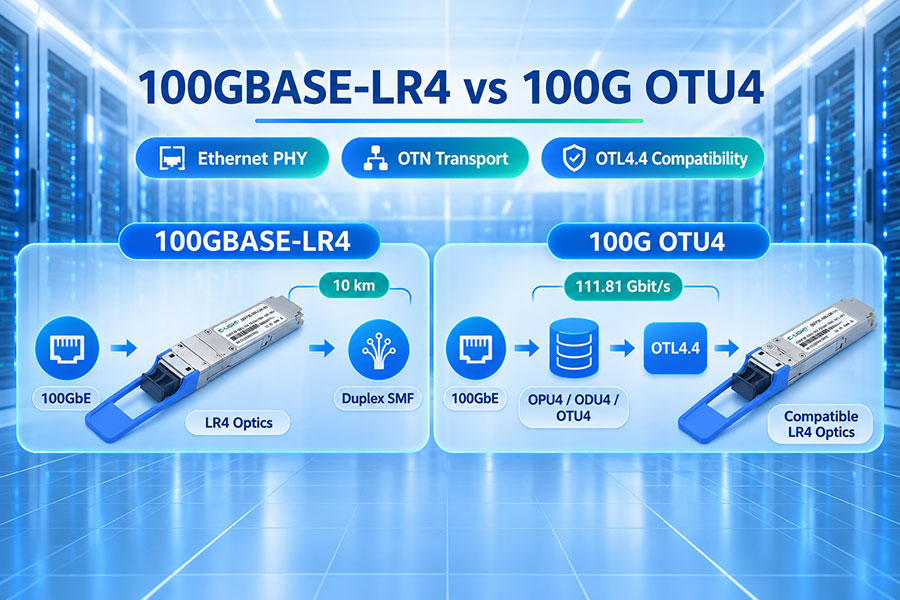
For example, two 100G modules are not necessarily interchangeable simply because both are QSFP28. A 100GBASE-LR4 module and a 100GBASE-SR4 module use different optical interfaces and fiber requirements.
6. How to Select Modules for a Cisco and Juniper Network
A practical selection process should verify the local host requirements and the complete optical connection before ordering modules.
Identify both network devices. Record the exact Cisco and Juniper model numbers, port types, hardware revisions, and operating software versions.
Confirm host compatibility. Check the supported transceiver information for each device and select the appropriate vendor-compatible module configuration.
Define the optical interface. Confirm data rate, wavelength, fiber type, connector, reach, and lane configuration.
Check link-level requirements. Verify protocol, FEC, breakout settings, and any platform-specific port restrictions.
Validate the complete connection. Test module recognition, interface status, optical diagnostics, and link stability on both devices.
For an existing network, testing a representative module on the exact switch or router model is useful before deploying a large quantity. This can identify recognition or configuration issues before they affect production links.
7. Can One Module Be Used for Both Cisco and Juniper Equipment?
Some suppliers offer multi-platform or reconfigurable optical modules that can be configured for different equipment vendors. This can simplify inventory management, particularly in networks containing multiple switch and router brands.
However, multi-platform capability should not be assumed from the module's physical appearance or optical specifications. Confirm the supported host platforms, configuration method, and any limitations with the supplier.
It is also important to distinguish between a module that can be configured for either platform and a module that is guaranteed to work in both platforms without configuration changes. These are different capabilities and should be confirmed separately.
8. C-LIGHT Optical Modules for Multi-Vendor Networks
Multi-vendor environments require optical modules that meet both the optical link specifications and the host equipment's compatibility requirements. C-LIGHT provides optical transceiver solutions for different data rates, form factors, wavelengths, and transmission distances, supporting network deployments across a range of equipment platforms.
When selecting modules for Cisco, Juniper, or mixed-vendor networks, the required host compatibility should be specified during the quotation process. Relevant information includes the exact device model, port type, data rate, fiber interface, transmission distance, and software environment.
C-LIGHT can evaluate the required module configuration and discuss suitable options for the intended deployment. For larger projects, sample testing on the actual network equipment is recommended before volume deployment.
9. Conclusion
Cisco-compatible and Juniper-compatible optical modules may share the same form factor and optical specifications, but they are not automatically interchangeable within network equipment. Host identification, platform support, software versions, and module configuration all influence recognition and operation.
In a Cisco-to-Juniper optical connection, each module should be compatible with its local device, while the optical interfaces at both ends must satisfy the same link requirements. Selecting modules by exact device model and validating the complete link is more reliable than choosing optics based on brand labels alone.
Need Optical Modules for Cisco, Juniper, or Multi-Vendor Networks?
Share your device models, port specifications, data rate, and transmission distance to discuss a suitable optical module configuration.
Contact C-LIGHT >

 >
 >
 >
 >
 >
 >
 >